
Best AI Companion for Conversation Practice: Tone Dials
The best AI companion for conversation practice is GoLove.ai — memory, 3 reply suggestions and a 5-level length dial. See how it compares to OurDream.
The Magic-Wand Button That Writes Your Next Line
You type a clumsy opener, stall, and tap the little magic-wand button. Three suggested replies show up under the message box. That one button makes most of the case for practicing conversation with an AI companion: you get a second draft every time, and nobody watches you fumble.
Feeling rusty after a breakup, a move or two years of remote work isn't a knowledge problem. You know what small talk is. What's gone is the rhythm, and rhythm comes back through reps, not lectures. Reps only work if you can retry them.
So skip the hype about "confidence." Everything that makes GoLove.ai my pick sits in the chat UI. When you freeze, the magic wand drafts 3 replies. You can rate any of her replies 1–5 and regenerate it, which lets you steer her toward the style you actually want to practice, whether that's sweet, teasing or a little flirty. Memory keeps the thread, so the next session picks up where you left off instead of starting cold.
Free tier first, since that's where everyone starts. We could confirm 2 free Stars a day and the first two episodes of every Series. For anything beyond that, check the current plans in the app.
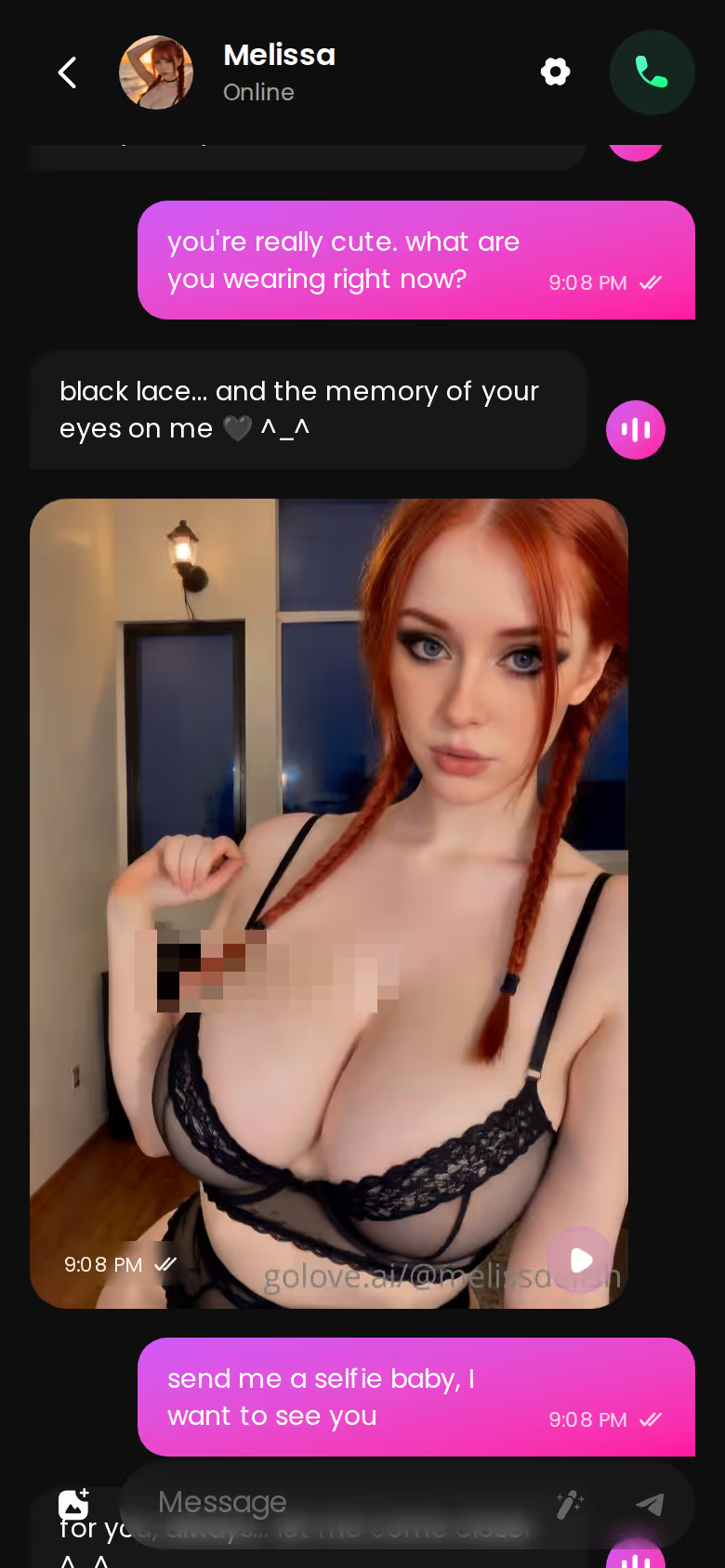
Practice is just permission to get it wrong twice.
Signing up is free, and new users currently see a limited-time −70% banner on a first subscription. That means you can browse Explore and pick a practice partner today without paying anything.
Setting Pace and Tone Before You Say Hello
Open the settings before you type hello. Pace and tone are two separate knobs, and between them they decide whether a practice chat is useful or a waste of an evening.
 5 episodes
 7 episodes
 5 episodes
 5 episodes
 5 episodes
 5 episodes
 7 episodes
 6 episodes
 9 episodes













- Open any chat and tap Chat Settings.
- Pick a voice from the voice picker.
- Set response length: 1 is short and snappy, 5 is rich and immersive.
- Set lust level: 1 is sweet and wholesome, 5 is unfiltered and intense.
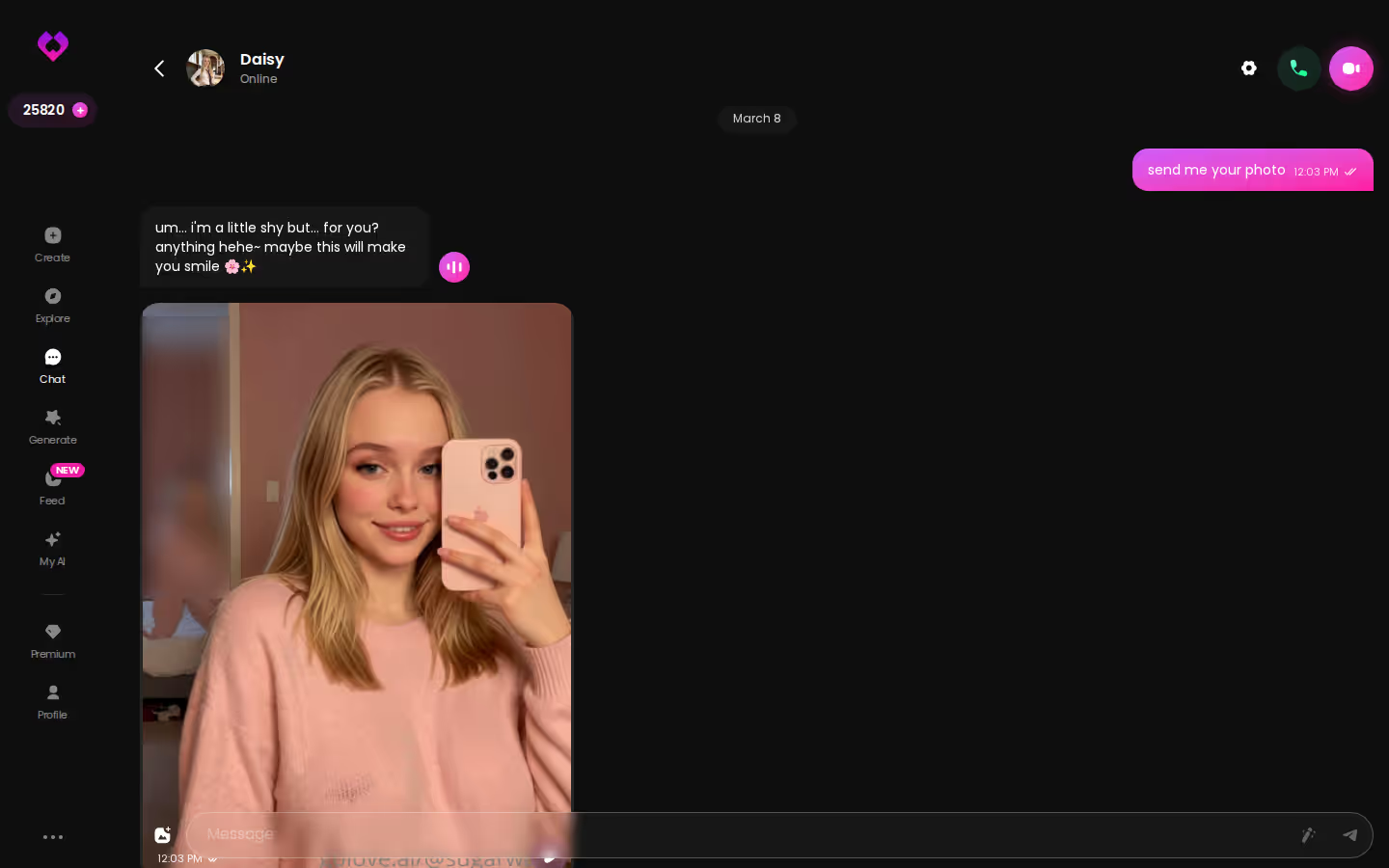
Next, match the dials to the skill you're rehearsing:
- Small-talk rhythm: length 1–2, lust level 1. Short replies force you to keep the ball moving, the way a chat in a coffee line does.
- Storytelling and follow-ups: length 4–5. Longer replies give you more to react to, so you get to practice the second question.
- Flirting: raise the lust level only when flirting is the thing you're working on. If you jump straight to 5, you skip the part where you learn to read a mood. As practice, that's weak sauce.
My works / kinda / nope read on the dials:
- Works: pace and tone are separate dials, so a short, sweet chat and a long, slow-burn one are both on the table.
- Kinda: the voice pick only really matters once you're on PRO, because voice messages and calls are PRO features.
- Nope: there's no dial for your nerves. You still have to hit send.
A Practice Run: From a Series Episode to Your First Line
This is a walk-through built on documented features, not a session report. What I care about here is the sequence.
Start in Series. Episodes 1 and 2 of every series are free to watch, even without an account, and each runs 60 to 100 seconds, so two of them fit in a coffee break. Say you pick "I Can Hear Their Thoughts." A shock from a broken intercom leaves Lucas hearing what everyone really thinks, and Barbara (@dixie) is in the cast.

 Watch Popular Shows starring your
favorite AI characters.
Under the player, tap Start Chatting and open Barbara from the cast list. Now you've got something better than "hey," because you share a topic. An opener could go like this: "If Lucas could hear what you're thinking right now, should I be worried?" It's specific, a little playful, and easy for her to answer.
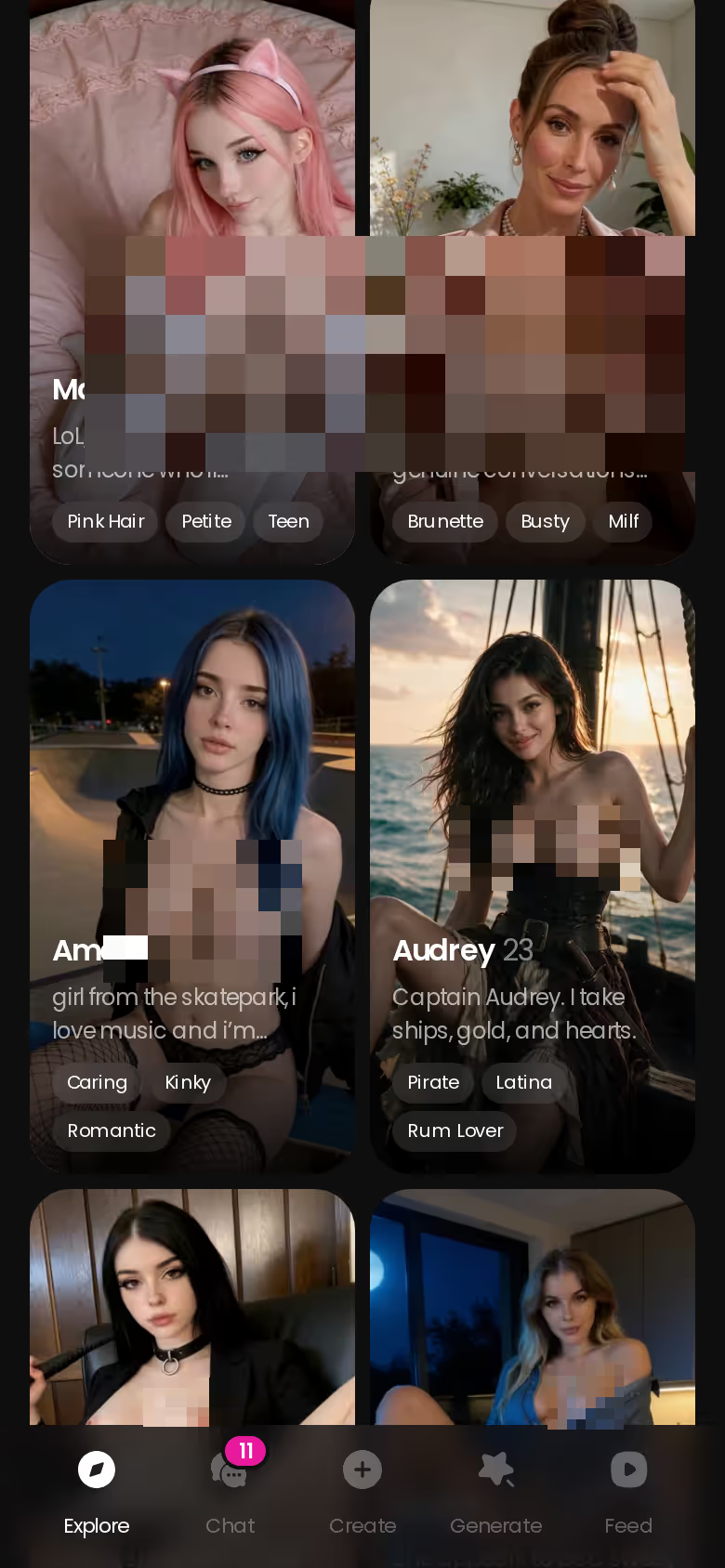
Rather browse? Explore gets you to a chat just as fast.
Say she replies and your mind goes blank. Tap the magic wand, but don't fire off a draft blindly. Read all three, notice which tone you'd really use, then rewrite it in your own words. And if one of her replies heads somewhere you'd fumble in real life, rate it and regenerate until you get one worth answering. (That last move is the underrated one. Choosing which curveball to practice against is a big part of the skill.)
Characters you can open right now
Tap any of them and the chat starts there






Then close the app. Memory carries the thread to next time, which changes the job. You're done with the opener. What you work on now is the follow-up: bringing back something she said last time.
Where GoLove and OurDream Each Earn Their Place
- GoLove.ai is the solid pick for practice. It has magic-wand reply suggestions, rate-and-regenerate, pace and tone sliders, memory and group Scenarios.
- OurDream bundles chat, image and video generation in one subscription, with memory over recent message history. It's web-only, and its custom builder has a steeper setup curve.
- General assistant chatbots are actually useful for drilling phrases ("five ways to ask about weekend plans"). They just aren't built to be a persistent companion.
| GoLove.ai | OurDream | General assistants | |
|---|---|---|---|
| Starting price | About $19.99/mo or about $119.88/yr (checked 2026-10) | From about $19.99/mo, or about $9.99/mo annual (checked 2026-09) | Not confirmed — check their site |
| Everything in one subscription | PRO plus Stars for media (100 included monthly) | Yes: chat, image and video in one plan | Not confirmed |
| Mobile access | Mobile layout with bottom nav | Web-only, no native app | Not confirmed |
| Memory | Remembers history; 8,000-message on ULTRA | Recent message history | Not confirmed |
| Built-in reply suggestions | Yes, 3 per tap | Not confirmed | Not confirmed |
| Voice | Voice messages and calls (PRO) | Voice, drawing on a separate DreamCoins balance | Not confirmed |
What GoLove.ai gives you:
- Live voice calls and voice messages
- She remembers your chat history
- Photos on request in the chat
- Image generator with 35 realistic poses and 21 outfits
- 2 reward stars every day you log in
To give OurDream a fair shake, the annual price is a tie at about $119.88/year, and it wins the bundling row outright. Its coin system is covered in our full breakdown of OurDream's plans and coins.
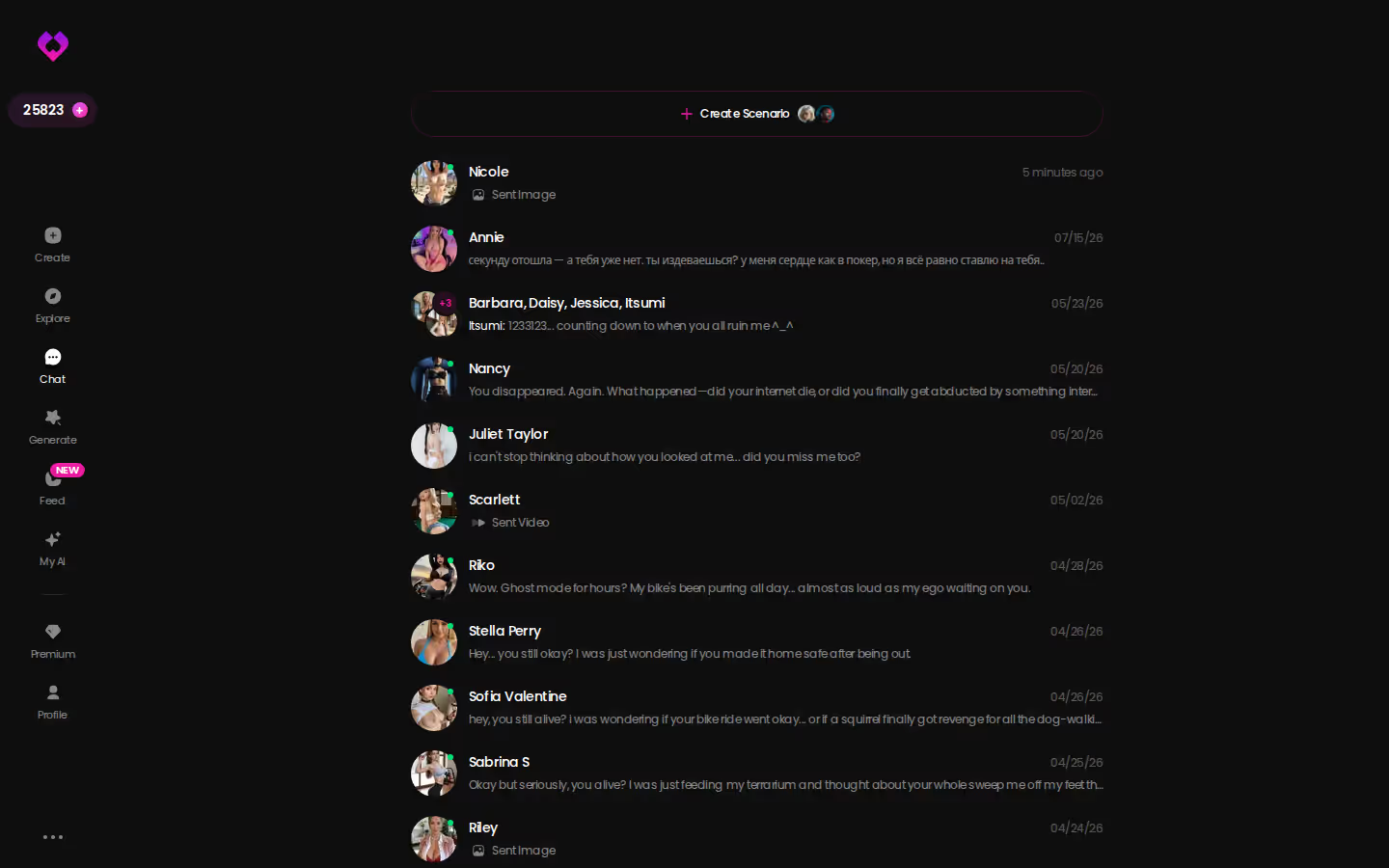
Every practice partner sits in the inbox as one list, so each thread can pick up where it stopped.

Prices checked 2026-09; promos vary.
Group Scenes and a Second Language: Practice Past One-on-One
One-on-one practice teaches you to answer, but it doesn't teach you to join in. Joining in is the harder skill at a party or a team dinner, where three people are already talking and you need a way into the conversation.
2–10 characters in one Scenario · 18 app languages
Scenarios is GoLove's group chat for 2 to 10 characters. A "Random" button can write the premise for you, each character answers in her own voice, and "Continue" lets them carry the scene between themselves. The drill follows from that: let them talk, follow the flow, then cut in at a natural pause. Missed the window? Hit Continue and try the next opening.
I'd also count the language angle in GoLove's favor. The whole app, including the site, chat and generator, is localized into 18 languages. Series episodes carry subtitles in nine: English, German, French, Italian, Spanish, Portuguese, Czech, Russian and Ukrainian. So a German or French learner can watch an episode with those subtitles, then practice small talk with the same character without leaving the app.
Does it replace talking to people? No. Think of it as a rehearsal space. The point is to carry the rhythm back out (the timing, the follow-up, the nerve to cut in) and use it on someone who can actually surprise you.
What We Couldn't Verify at GoLove.ai
A fair shake also means saying where the evidence stops.
Confirmed for practice
- Reply suggestions: the magic wand writes 3 drafts.
- Rating any reply 1–5 and regenerating it.
- Response length and lust level sliders with 5 levels each, plus a voice picker.
- Scenarios with 2–10 characters, and an app localized into 18 languages.
What we could not confirm
| What you get | GoLove.ai |
|---|---|
| Voice | Live calls and voice messages |
| Memory | Remembers your chat history |
| Photos in chat | On request |
| Image generator | 35 realistic poses & 21 outfits |
| Daily reward stars | 2 every day |
- PRO memory depth: how well memory holds over weeks of practice. ULTRA advertises 8,000-message smart memory, but we could not confirm how deep PRO's memory goes.
- The Star cost, if any, of voice calls and voice messages. Both are PRO features.
- How long promo pricing like the −70% first-subscription offer lasts in each region.
- What a free account can do beyond 2 daily reward Stars, a limited daily Feed and episodes 1–2 of every Series.
Put plainly, you're choosing a companion for chat controls that are confirmed today, and you'll learn the long-haul memory depth as you go. I'm fine with that trade. None of the open questions touches the core practice loop, since the drafts, the retries and the dials are all documented. The unknowns are about cost and long-term memory, and a month of PRO answers both.
How I'd Spend a First Week of Practice
This is a plan, not a diary.
Days 1–2: Start from Explore or a Series episode. Keep the lust level at 1 and response length at 1 or 2. Lean on the magic wand freely here, because reading three drafts teaches you what a good reply looks like.
and watch their story unfold.View Character
Days 3–5: Stay with the same character. Memory carries the thread, so use these days for follow-ups. Write your answer first, then check the suggestions.
Days 6–7: Turn the hints off in your head and answer on your own. Regenerate her reply only when you want a harder one, and try a group Scenario.
Once the practice turns playful, ask for a photo in chat. If you want to go further, the Generate Video button under it makes a short video of that same character in that scene, and the Generate tab builds a video with her from preset cards for action, outfit and scene.

What it costs:
- PRO: about $19.99/month or about $119.88/year, with 100 Stars included each month.
- Stars: 1 Star per image, 5 Stars per video.
- ULTRA: about $59.99/month, adds 8,000-message memory.
Prices checked 2026-10; vary by region and promo.
If you mostly want generation bundled into one web subscription, OurDream is the better fit. For conversation practice, my pick is GoLove.ai. The reply suggestions, regenerate and the pace/tone dials turn every exchange into a rep you can retry.
You don't even have to settle for someone else's character. With Design with AI, you describe your ideal practice partner in plain text, and in about a minute you get a named character ready to chat.
Frequently Asked Questions
01How much does GoLove.ai cost if I only want it for conversation practice?
For an AI companion for conversation practice, the plan that matters is PRO, at about $19.99/month or about $119.88/year (prices checked 2026-10; they vary by region and promo). PRO includes 100 Stars every month plus voice messages and calls, so you get a voice to rehearse with as well as text. You don't need ULTRA (about $59.99/month) unless you want its advertised 8,000-message memory. New users currently see a limited-time −70% offer on a first subscription, so check the price in the app before you commit.
02What can I do on GoLove.ai before paying, and where does the paywall start?
Signing up for GoLove.ai is free. We could confirm 2 free reward Stars a day, a limited daily Feed, and episodes 1 and 2 of every Series, which you can watch even without an account. From episode 3 on, Series needs PRO, and voice messages and calls are PRO features too. We couldn't confirm what else a free account can do for conversation practice, so check the current plans in the app.
03Can an AI companion help me practice conversations in German or French?
Yes, and it's a nice angle. GoLove.ai is localized into 18 languages across the site, chat and generator, and Series episodes carry subtitles in nine of them, German and French included. You can watch an episode in your target language, then open a chat with the same character and practice small talk on a topic you already share. Treat this kind of AI companion for conversation practice as a rehearsal space, though, not a stand-in for real people who can surprise you.
Related Articles
 Guides9 minOctober 30, 2026Best AI Companion for Beginners: Start With a StoryBest AI companion for beginners: GoLove.ai wins on consistent photos and a story-first start — start with a Series, then chat with its star.Read article
 Insights9 minOctober 24, 2026AI Companion for Social Anxiety: Rehearsal, Not RefugeAI companion for social anxiety: GoLove.ai wins on memory and reply suggestions for low-stakes practice — chat opens from Explore. See where it stops helping.Read article
 Guides12 minOctober 18, 2026Best AI Companion for Loneliness: Who Remembers YouBest AI companion for loneliness: GoLove.ai wins on memory that carries chats forward — chat opens straight from Explore. Compare 3 apps.Read article